Skip to content Data management, with your team,

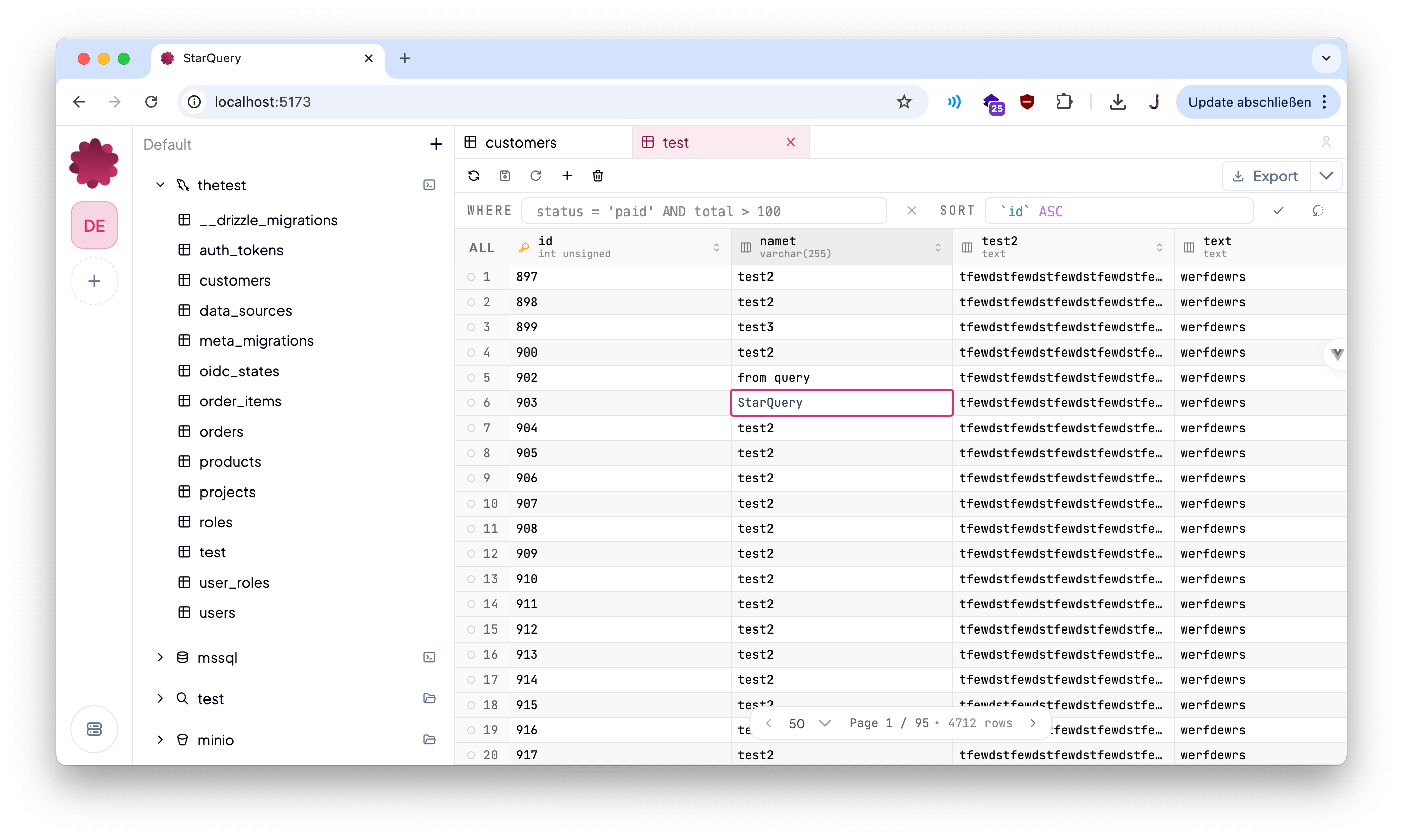

Data management, with your team,
on your server, made tasteful.
Quick Start
Run the published image:
bash
docker run -d \
  --name starquery \
  -p 8080:8080 \
  --add-host=host.docker.internal:host-gateway \
  -v starquery-data:/var/lib/starquery \
  --restart unless-stopped \
  interaapps/starquery
INFO
If StarQuery needs to reach services on your host machine from inside Docker, configure datasources with host.docker.internal instead of localhost.
With Docker-Compose
Run the published image:
bash
services:
  app:
    image: interaapps/starquery:latest
    environment:
      HOST: 0.0.0.0
      PORT: 8080
      STARQUERY_MODE: hosted
      STARQUERY_SERVER_NAME: StarQuery Hosted
      STARQUERY_META_DRIVER: sqlite
      STARQUERY_META_SQLITE_PATH: /var/lib/starquery/starquery-meta.sqlite
    ports:
      - '8080:8080'
    volumes:
      - starquery-app-data:/var/lib/starquery
    restart: unless-stopped

volumes:
  starquery-app-data:
Then open:
http://localhost:8080
This default setup gives you:
- one container for frontend and backend
- SQLite as the default metastore
- no extra database requirement for a normal self-hosted start
Next Steps
- Need the exact Docker details? Go to Docker Deployment.
- Want to configure SSO or understand OIDC access control? Read OpenID Connect (OIDC).
- Want environment variables and hosted settings? Open Hosted Configuration.
- Need every config option? Use Configuration Reference.